







Pinterest SEO Audit: How to Audit Your Pinterest Account (Step by Step)
A Pinterest SEO audit checks your profile, boards, pins and analytics for the gaps costing you search traffic. Run this step-by-step account audit in under an hour.
A Pinterest SEO audit checks your profile, boards, pins, keyword coverage, and analytics for the gaps that quietly cost you search traffic. Run this step-by-step account audit in under an hour — and leave with a fix list, not a pile of charts.
Most Pinterest accounts don't have a traffic problem. They have a handful of specific, findable problems — a profile that never says what the account is about, boards titled like inside jokes, pins written for nobody's search — each one quietly taxing every pin they publish. A Pinterest SEO audit is how you find those problems in one sitting, in a deliberate order, instead of discovering them one disappointing month at a time.
This guide runs the full account audit: profile, boards, pins, keyword coverage, analytics, and one competitor read. It is the account-level companion to our pin-level Pinterest pin audit checklist — that one checks individual pins before they publish; this one checks the whole structure those pins live in. Set aside an hour, open your account, and work the steps in order.
What a Pinterest SEO Audit Is (and Isn't)
An audit is an inspection against how Pinterest search actually works. Pinterest is a search engine: it indexes the words in your profile name and bio, your board titles and descriptions, and your pin titles and descriptions, then matches them against what users type. An SEO audit simply checks every one of those indexed surfaces for the same three faults — missing keywords, mismatched intent, and dead weight — and writes down what it finds.
What an audit is not: a glance at your analytics dashboard, a follower count, or a reason to delete everything and start over. Pinterest rewards accumulated topical authority, and almost every finding in a normal audit is fixable in place — a rewritten bio, a retitled board, a pin description that finally names its keyword. The audit's output is not a verdict. It is a ranked list of fixes, most of them small, ordered so the highest-impact ones happen first.
Step 1: Audit Your Profile
Your profile is the first thing Pinterest indexes and the first thing a searcher judges. Check it in this order:
- Display name. Does it contain the words your audience searches — your niche, in plain language? "Emma | Easy Weeknight Dinners" is findable; "Emma's Kitchen" alone is a brand with no searchable content. If your name carries no niche phrase, that is fix number one.
- Username. It becomes your URL and part of your identity in search results. If it is a string of numbers or an old project name, note it — usernames can be changed, though the old URL stops working, so weigh it once, carefully.
- Bio. The bio is indexed text. It should say who you help, with what, using the phrases those people type — not a slogan. Read yours and underline every genuinely searchable phrase; most bios have zero.
- Claimed website. A claimed site unlocks analytics attribution and rich pins for your domain. If your website is not claimed, everything downstream — including this audit's analytics step — is working with one hand tied.
- Profile cover and first impression. Not an SEO factor, but the conversion layer: a profile that ranks and looks abandoned still loses the click and the follow.
Our Pinterest profile optimization guide goes field by field through this step if your profile needs a full rebuild rather than a touch-up.
Step 2: Audit Your Boards
Boards are your site's category pages — Pinterest reads their titles and descriptions as topic signals for every pin inside them. Audit each board against three questions:
- Would a stranger type this title? Board titles should be the phrases people search, lightly polished: "Small Kitchen Storage Ideas," not "My Tiny Kitchen!!" Cute titles are invisible titles.
- Does the description use the board's keywords naturally? Two or three sentences naming the topic's main phrases and who the board is for. Empty descriptions are a wasted index surface on every board that has one.
- Does this board still earn its place? Boards with a handful of stale pins on a topic you left two years ago dilute your account's topical focus. Merge them into a stronger board, make them secret, or commit to filling them — but don't leave them drifting.
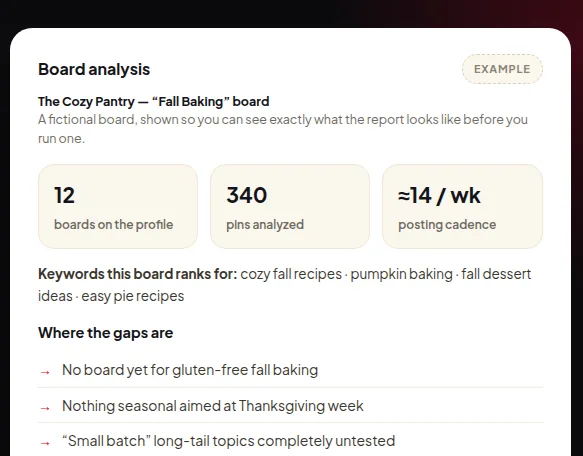
Run your most important boards through the Board Analyzer to check their keyword coverage objectively, and use our Pinterest board SEO guide for the full board-level method. A useful rule from this step: if you can't state a board's target keyword phrase in five words, the board doesn't have one — and neither does Pinterest.
Step 3: Audit Your Pins
Now the pins themselves. Don't try to review everything you've ever published — audit the sample that matters: your ten most-saved pins, your ten most recent pins, and any pin that drives meaningful outbound clicks. For each one, check:
- Title. Does the pin's target keyword appear in the title, near the front, in the words a searcher would type? Pins whose titles are pure clickbait ("You won't BELIEVE this kitchen!") give the search engine nothing to match.
- Description. Does it develop the same keyword naturally, add the supporting phrases around it, and end with a reason to click? A description that repeats the title word for word wastes the second-biggest text surface a pin has.
- Format. Vertical, high-resolution, text overlay readable at feed size. Standard pins at a 2:3 ratio (1000 × 1500 px) remain the safe default across the feed.
- Destination. Does the pin link where its title promises? A pin that promises a recipe and lands on a homepage is training Pinterest — and users — not to trust the next one.
- Freshness. Pinterest's distribution favours fresh pins. If your top performers are all a year old and you've been repinning the same images since, the finding isn't quality — it's cadence.
Scoring pins by eye is slow and inconsistent, which is why this step is where a tool earns its keep:
Score every pin before you judge it
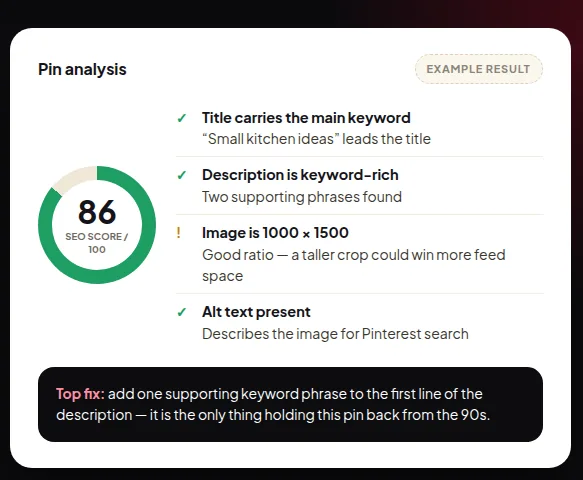
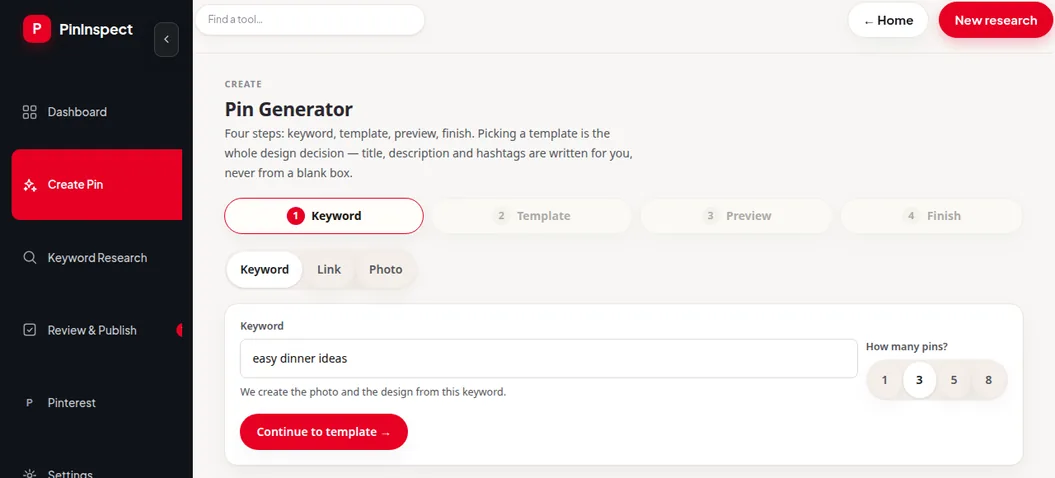
PinInspect's Pin Analyzer checks a pin's title, description, keyword placement, and board relevance and gives it one SEO score — so your audit compares numbers, not impressions.
Run your sample through the analyzer, record the scores in your fix list, and let the lowest scores — on the pins with the most traffic potential — set your rewrite order. Our pin audit checklist has the field-by-field version of this step for pre-publish checks.
Step 4: Audit Your Keyword Coverage
Steps 1–3 checked whether your surfaces carry keywords. This step checks whether they're the right keywords — and whether whole topics you should own are missing entirely. Lay your boards and your best pins against a keyword map of your niche:
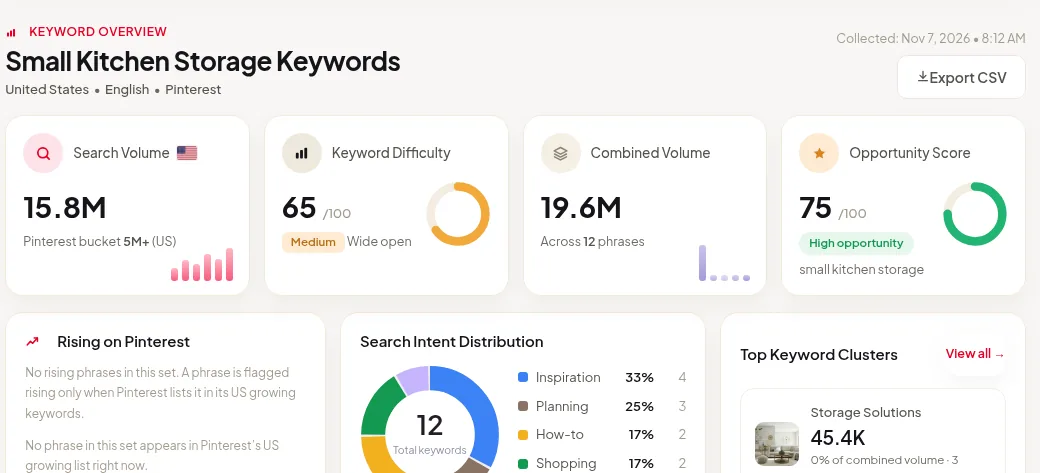
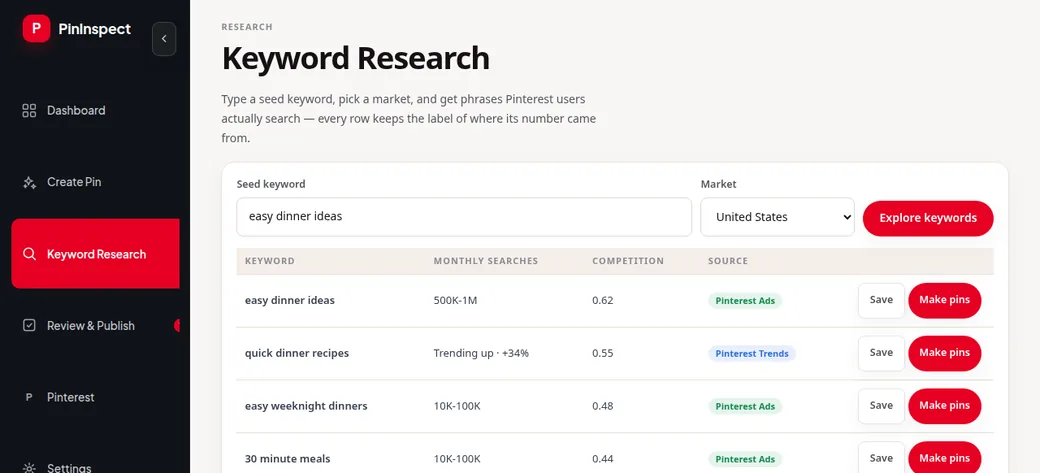
- Build the map. List the core phrases in your niche and their main variations — the list you'd get from an hour in Pinterest's own search bar, or a few minutes in a Pinterest keyword tool. Twenty to forty phrases covers most niches at audit depth.
- Match every phrase to a home. Each phrase should map to one board and at least a small series of pins. Phrases with no home are your content gaps — usually the highest-value finding in the whole audit, because they're demand you've proven exists and never answered.
- Check for collisions. Two boards chasing the same phrase split your signal; one board chasing twelve unrelated phrases has no signal. Group your phrases by intent first — our guide to keyword clustering shows the method — then let the clusters dictate the board structure.
- Check the long tail. Head terms are competitive; the specific, multi-word phrases are where smaller accounts win. If your map is all head terms, your coverage is thinner than it looks.
When this step is done you should have two lists: gaps to fill with new pins, and collisions to fix by retitling or merging boards. Both go on the fix list, gaps first.
Step 5: Audit Your Analytics
Analytics is where the audit stops being about text and starts being about evidence. In Pinterest Analytics, work through four reads — use the last 90 days where the data allows, so one viral week doesn't distort the picture:
- Impressions trend. Rising, flat, or falling — and if it moved sharply, when? A sudden drop with a date attached is a different problem (a board change, a cadence break, a niche drift) than a slow fade, which is usually topical dilution.
- Saves versus clicks. Saves mean the content resonates inside Pinterest; outbound clicks mean it converts to your site. Pins with high impressions and no saves are being shown and ignored — a title and image problem. Pins with saves and no clicks are promise problems: the destination or the call to action isn't closing.
- Your top pins' share. If three pins produce most of your traffic, your account is one algorithm shuffle from a bad month. The fix is more pins in the winning clusters — which your Step 4 map already identified.
- Audience fit. Check that the audience Pinterest reports — its interests and demographics — matches the audience you think you're serving. A mismatch explains content that should work and doesn't.
Record the numbers, not just the impressions you formed. The next audit — and there will be one — is only useful if it can be compared against this one's baseline.
Step 6: Audit One Competitor
The last step looks outward. Pick one account in your niche that consistently appears in search results you want — not the biggest account in the space, but the one a step ahead of you — and read it the way you just read your own:
- Which boards do they run that you don't? Those are candidate gaps for your Step 4 map — validated by someone else's results.
- What do their best pins' titles look like? Note the phrasing patterns, not to copy, but to see what the search engine is rewarding in your niche right now.
- How often do they publish, and how fresh is their top content? Cadence is a strategy you can match; talent isn't required.
Our Pinterest competitor analysis guide has the full template for this step, and the Competitor Analysis tool speeds up the read. One competitor, honestly read, is worth more than ten glanced at — the point is a short list of proven moves, not envy.
The Audit Scorecard: Turn Findings Into a Fix List
An audit that ends in observations changes nothing. Convert yours into a scorecard — one row per area, a plain verdict, and the single most important fix. Here is the format, with the verdicts a typical first audit produces:
| Area | What you checked | Verdict scale | Fix first if… |
|---|---|---|---|
| Profile | Name, bio, claimed site, cover | Strong / Patchy / Invisible | The name or bio carries no searchable niche phrase |
| Boards | Titles, descriptions, focus | Strong / Patchy / Invisible | Top boards have cute titles or empty descriptions |
| Pins | Sample of 20, scored | Average pin score | High-traffic pins score lowest — rewrite those first |
| Keyword coverage | Phrases mapped to boards | % of map covered | Proven phrases have no board or pin series |
| Analytics | 90-day trend, saves vs clicks | Rising / Flat / Falling | Traffic depends on 2–3 ageing pins |
| Competitors | One rival, fully read | Gaps found: count | They own boards your map says you should |
Then rank every individual fix by a simple rule: impact is where the traffic already is. A weak title on a pin Pinterest already shows thousands of times is worth ten fixes on pins nobody sees. Your fix list, ranked, is the audit's real deliverable — everything before this section was just how you earn it.
How Often to Re-Audit — and Your 30-Day Fix Order
Run the full audit once a quarter, and a light version — Steps 5 and 4 only, analytics and gaps — once a month. Pinterest's search landscape moves with seasons and trend cycles, and your own account changes with every board you add; quarterly is frequent enough to catch drift before it costs a season, and rare enough that fixes have time to show results between audits. Always re-audit after a sharp traffic change, in either direction: you want to know what you did.
For the 30 days after this audit, work the fix list in this order. Week 1: profile and board text — name, bio, board titles and descriptions; these are pure text edits with account-wide effect. Week 2: rewrite the titles and descriptions of your lowest-scoring high-traffic pins. Week 3: publish into your biggest keyword gaps — new pin series for the phrases with no home. Week 4: fresh pins for your proven winners, and set the calendar reminder for the next quarterly audit. Small, ordered, finished — that is what turns an audit from an afternoon's reading into a traffic change.
For the wider method behind every step here, our Pinterest SEO guide is the complete reference — the audit tells you where you stand; the guide is how you move.
Frequently Asked Questions
Audit Your Account Before Your Competitors Audit Theirs
Score your pins, map your keyword gaps, and turn this guide into a ranked fix list — the tools are free, and the hour is cheaper than another month of guessing.